View all articles
I see "Request to install" when I try to Slack OAuth
When trying to Slack OAuth, you may encounter a “Request to install” screen as shown below. This means that the DX Slack App has not been pre-approved by a Slack workspace admin.
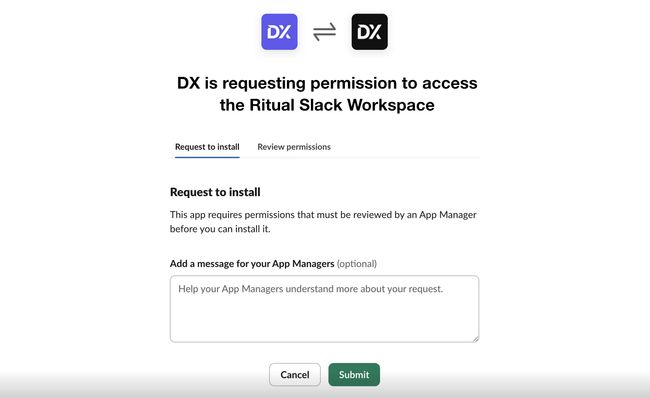
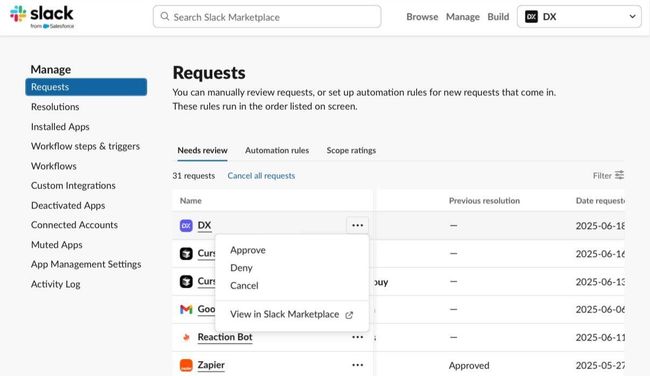
To proceed, click the “Request to install” button to submit the request to your workspace admin. This will create an app approval request as described in Manage app approval for your workspace. Then, one of your workspace admins must approve the DX app as shown below: